01
Explore
Read or watch real content without changing your routine.
Orbilingua turns pages, videos, and text into interactive experiences: understand a word in context, save it in one click, and remember it when it matters.
Early access · Chrome and Chromium browsers

 ORBILINGUA · LEXICAL ORBIT
For that reason.
Without a connected tool, one simple question turns into a chain of interruptions.
 ContentKeep watching
 MeaningIn context
 CardIn one click
 ReviewRight on time
The word moves from the moment you enjoy into memory without making you switch tools.
The extension and platform work as one orbit: discover, understand, save, and return at the right time.
 Extension + platformContext stays connected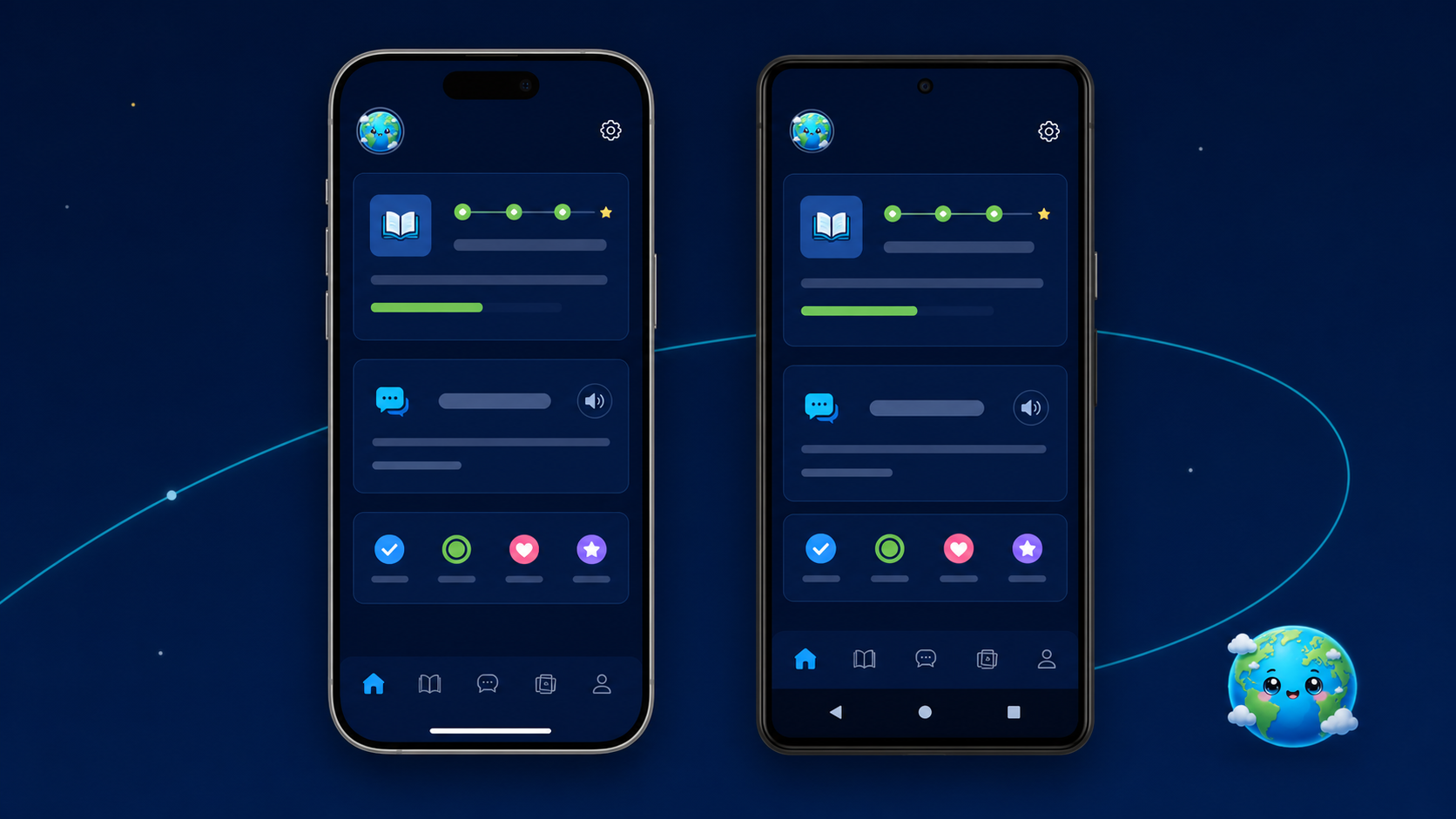
Read or watch real content without changing your routine.

Open definitions, translations, and context instantly.

Save the sentence, source, and available audio.

Review with FSRS and watch comprehension grow.
Orbilingua detects the language, makes words clickable, and adds study tools without turning every session into a lesson.
The connected app turns isolated captures into sustainable practice: review, reader, progress, templates, and sync in one place.
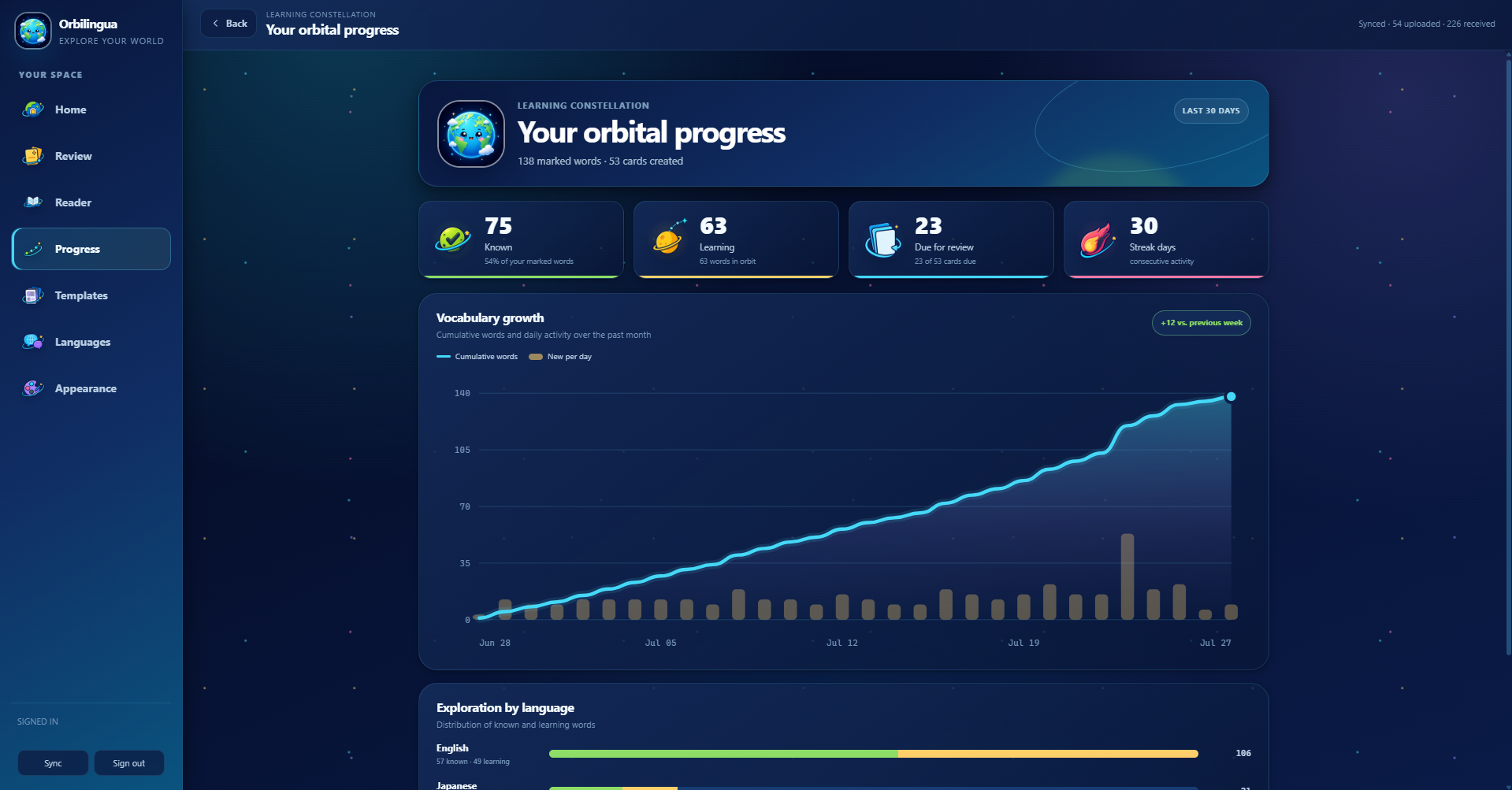
The features connect so you can focus more on the language and less on managing tools.
Open a word, hear the real clip, and save the sentence with its source without leaving the video.
And you can see that here is a transparent LED
Tap “because” to open the lexical orbitOrbilingua marks learning states and keeps the definition beside the original sentence.
Every word keeps its while you read.
The sentence, source, and audio stay together; FSRS calculates the next encounter from your answer.
And you can see that because here is a transparent LED.
No courses, decks, or lists to prepare before discovering value.

One session connects the extension and your Orbilingua study space.

Set the language you want to study and open content you genuinely enjoy.
Click a word, keep its context, and let FSRS bring it back at the right time.
Explore the extension, save words in context, and experience adaptive review before choosing your plan.
OrbilinguaYour secure accountCreate your account on a dedicated page. Your session is protected with HttpOnly cookies, and your credentials are never stored on this landing page.
Create my account I already have an accountPayments will be enabled after the page is published and validated.Direct answers about the product, compatibility, and what to expect from early access.
Both surfaces form one system. The extension makes the content you visit interactive; the app brings review, reading, progress, templates, and sync together.
It includes evolving engines for Spanish, English, Japanese, Chinese, and Korean. The main Spanish and English experience, together with YouTube, has already been browser-tested; other integrations are still being validated.
Orbilingua works with web pages, text pasted into its reader, and subtitles. YouTube is the tested video integration. Netflix, Crunchyroll, and Viki remain in beta until real-world validation is complete.
No. From a word or subtitle you can prepare a card with its sentence, source, definition, and available audio. You can then refine it or export it to Anki.
Review uses FSRS, a spaced-repetition system that adapts intervals to your answers. You rate how well you remembered and Orbilingua schedules the next encounter.
To make content interactive, it needs to process visible text and, when video features are enabled, subtitles. The privacy policy explains the details and controls.
It is not meant to replace all structured instruction. It helps you spend more time understanding real content and turn that exposure into long-term memory.
See how Orbilingua connects discovery, context, and memory in one coherent experience.